Video toolingPremiere Panel — auto-editing panel for Adobe Premiere Pro
Premiere Panel — auto-editing panel for Adobe Premiere Pro
An extension inside Premiere Pro that takes over the mechanical half of editing: finding the moments, planning the camera cuts, building the subtitles, levelling the sound.
What it is
Editing long talking material — an interview, a podcast, a webinar — is nine tenths mechanics rather than craft: listen to all of it, mark where something worth keeping was said, place the cuts between cameras, type the subtitles, level the volume. The panel takes that mechanical part and hands the editor a plan of work.
It works like this: the speech is transcribed on the machine itself, a local model reads the transcript and marks the strong passages, and out of those a step-by-step edit plan with timecodes is assembled. Some of the steps the panel can carry out itself. This is a planner, not an autopilot, and the difference matters: you can argue with a step before it is applied, whereas a finished automatic edit has to be rolled back whole.
Specifications: Python on the standard library alone — there is nothing to install alongside it; the panel itself is UXP, so it lives inside the Premiere window; transcription and the model run locally, with no cloud and no bills, and the footage never leaves the machine. The honest limit: on a real 17.5-minute 4K interview the engine produced a 15-step edit plan and marked 11 steps as ones it can perform itself, but the plan has never been applied inside a live Premiere session.
Nearby work
 Zhnyva — a clip farm that runs itselfA clip farm on a server: it walks the clip-campaign marketplaces itself, picks the moments with a model, cuts them with subtitles and hands over a batch to publish, already marked as an ad.
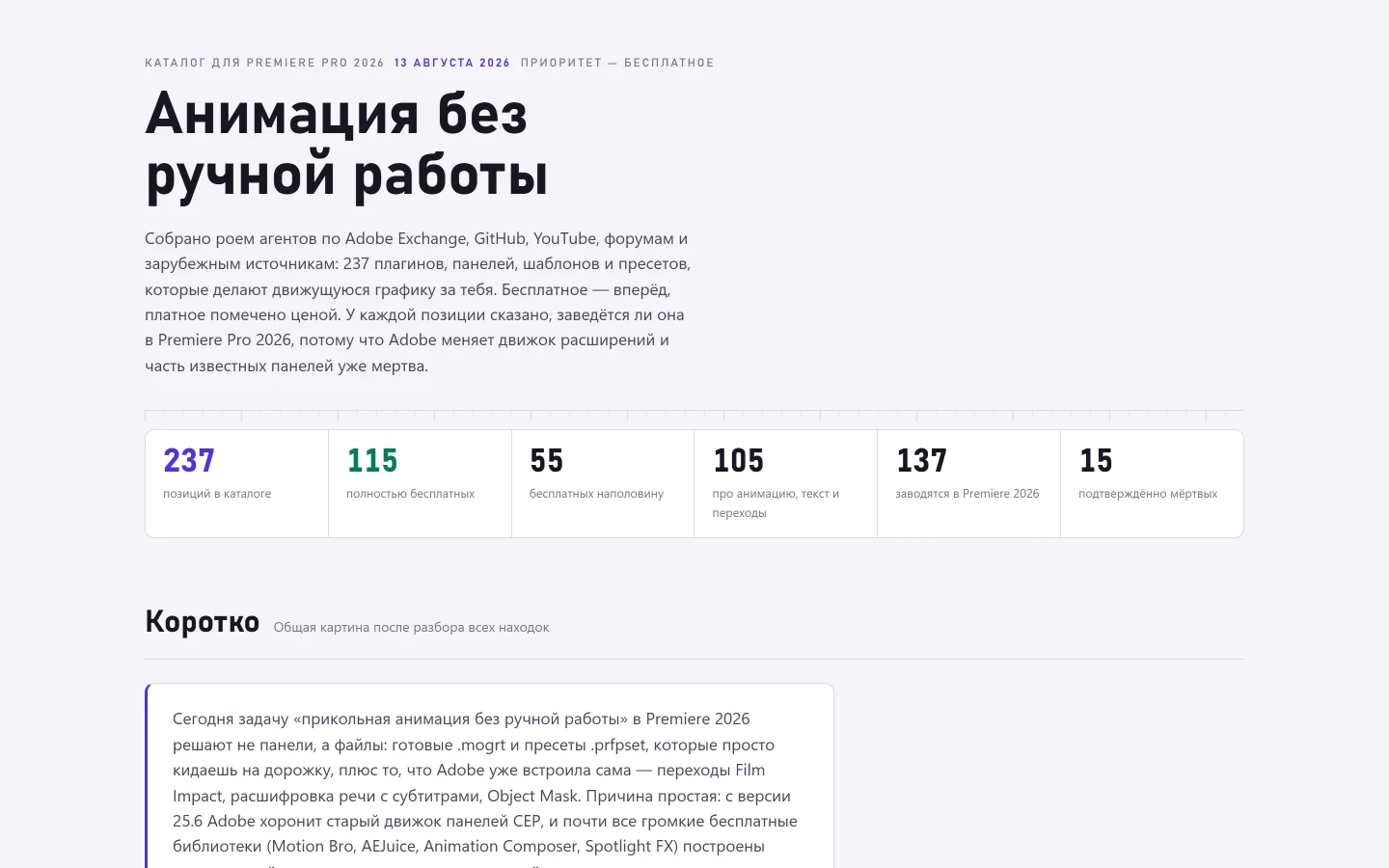 A catalogue of 237 Premiere plugins — other people's, not mineA searchable reference to 237 Premiere plugins and presets — other people’s, not mine — with a column no store has: will this still run in the 2026 version.Content Factory — autonomous short-video pipelineA short-video pipeline that walks the whole way from a trend to a publication on its own — except for one place where a human says yes.