Video toolingPrisma — translate anything on your screen
Prisma — translate anything on your screen
A screen translator: select text in any window and the translation appears beside it. Plus text from images, PDFs and video, voice input, and translating a whole window at once.
What it is
A translator that lives on top of the whole system rather than inside its own window. That difference decides everything: the moment a person has to copy text into a separate application, they stop using it — by the second or third day. Here the translation comes to where the text already is: the browser, a document, somebody else’s program, a video player.
The text is taken three ways: by selection, by recognising it straight off the screen image, and through a frame laid over video — the last of which is what puts this work in the video tooling section. There is voice input and a “translate the whole window” mode, for when what needs translating is not a phrase but the interface of an unfamiliar program.
Specifications: Python, on-screen text recognition, local and free cloud models with switching between them — the translation costs nothing. It carries 121 of its own automated checks, run before every build.
Nearby work
 Zhnyva — a clip farm that runs itselfA clip farm on a server: it walks the clip-campaign marketplaces itself, picks the moments with a model, cuts them with subtitles and hands over a batch to publish, already marked as an ad.
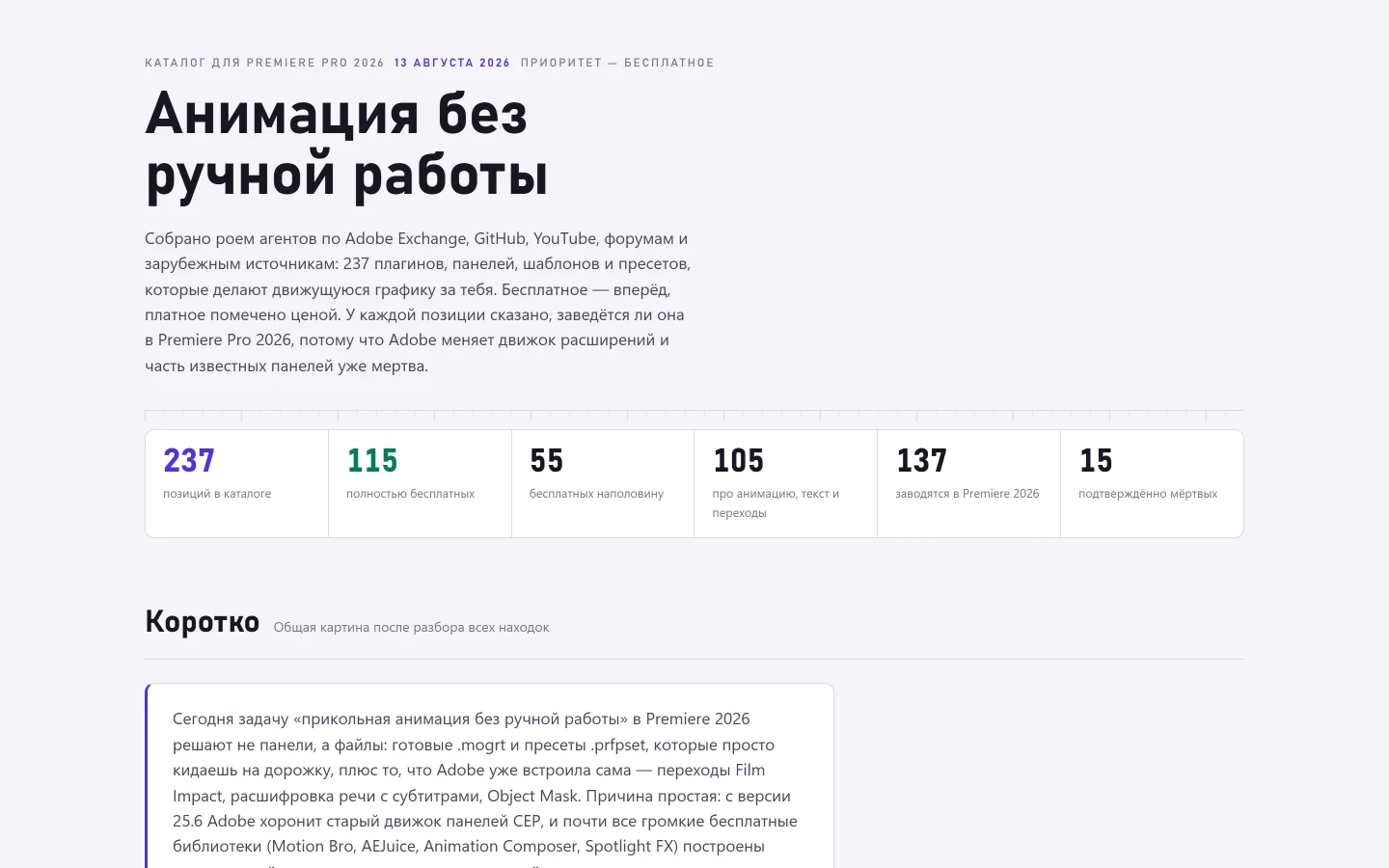 A catalogue of 237 Premiere plugins — other people's, not mineA searchable reference to 237 Premiere plugins and presets — other people’s, not mine — with a column no store has: will this still run in the 2026 version.Premiere Panel — auto-editing panel for Adobe Premiere ProAn extension inside Premiere Pro that takes over the mechanical half of editing: finding the moments, planning the camera cuts, building the subtitles, levelling the sound.